UVgami

Automatic UV unwrapping for Blender

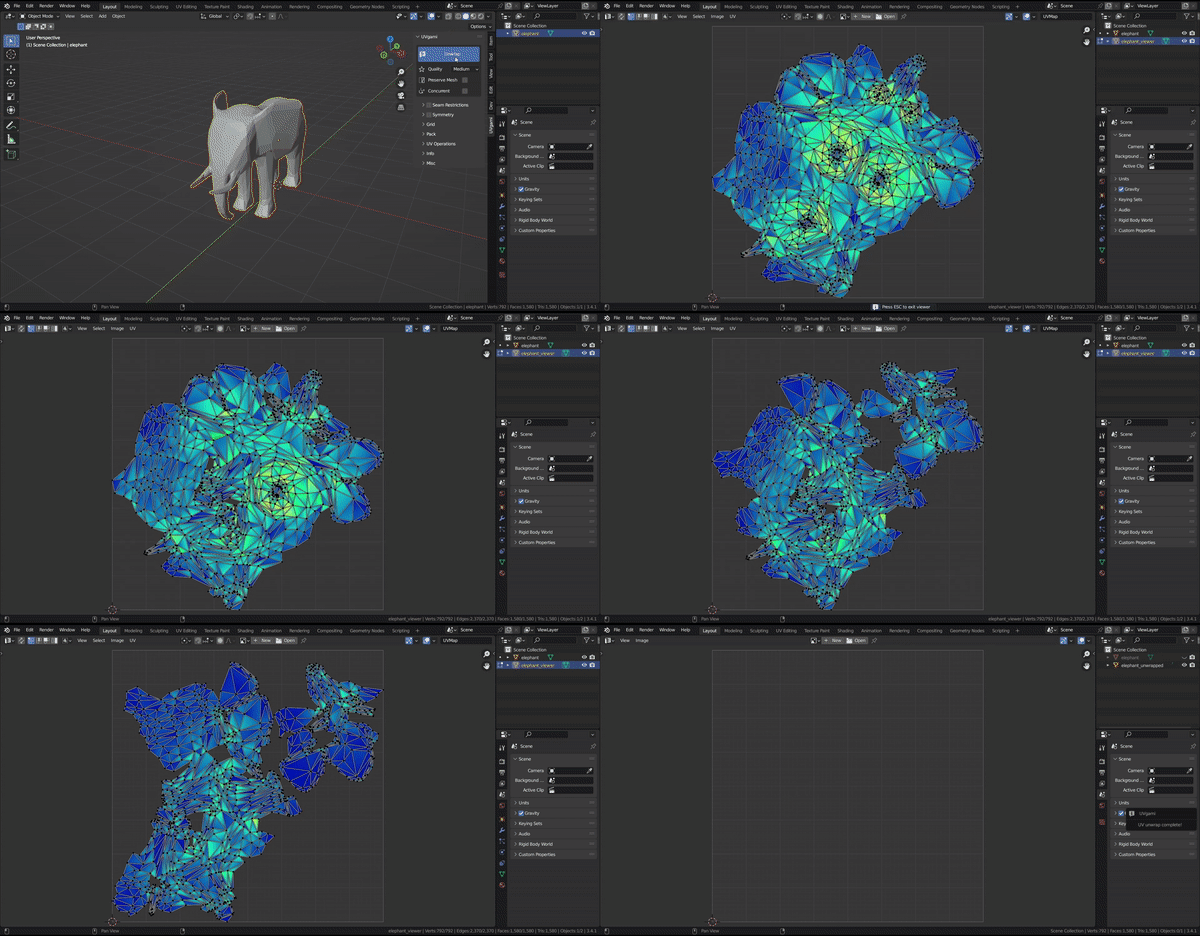
Quickstart
[!NOTE] Check the user guide for more detailed documentation.
- Download the latest
UVgami.ziprelease here - Drag and drop the zip file into Blender
- In Blender, press
Download Enginein the n-panel
There are three supported engines.
Automatic Updates
Add this repository URL: https://uvgami.danielboxer.dev/index.json in Blender
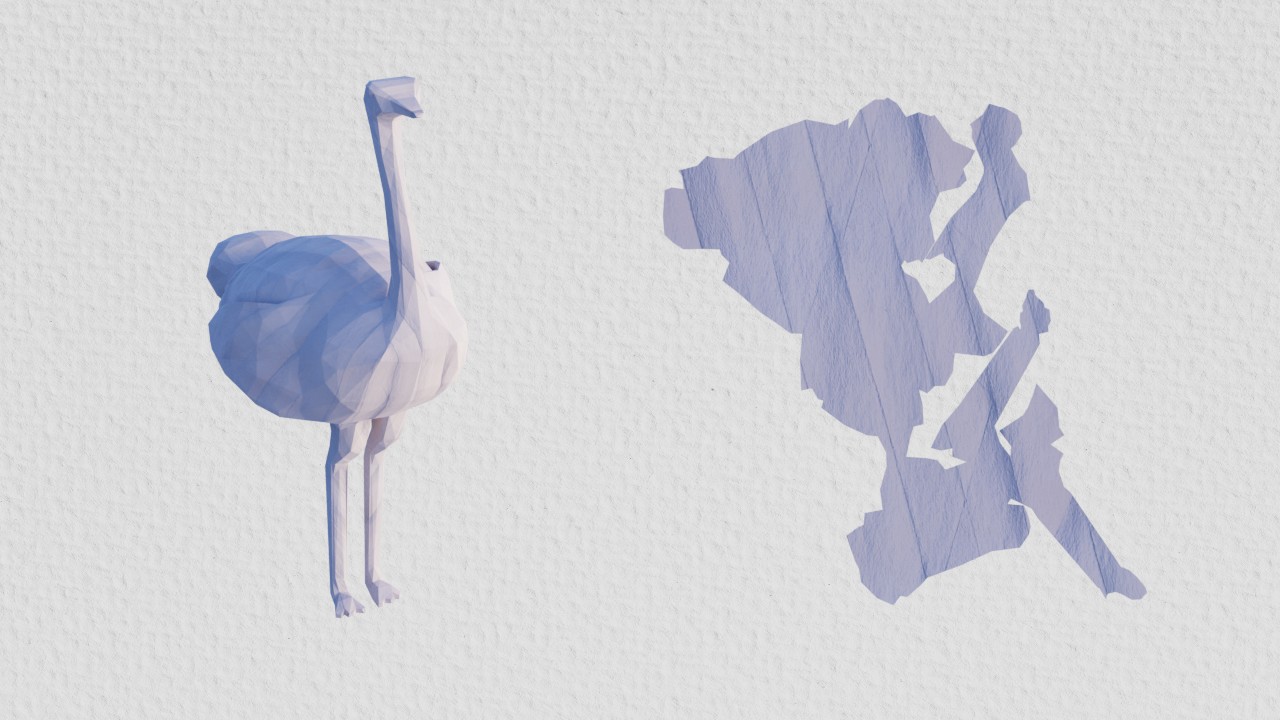
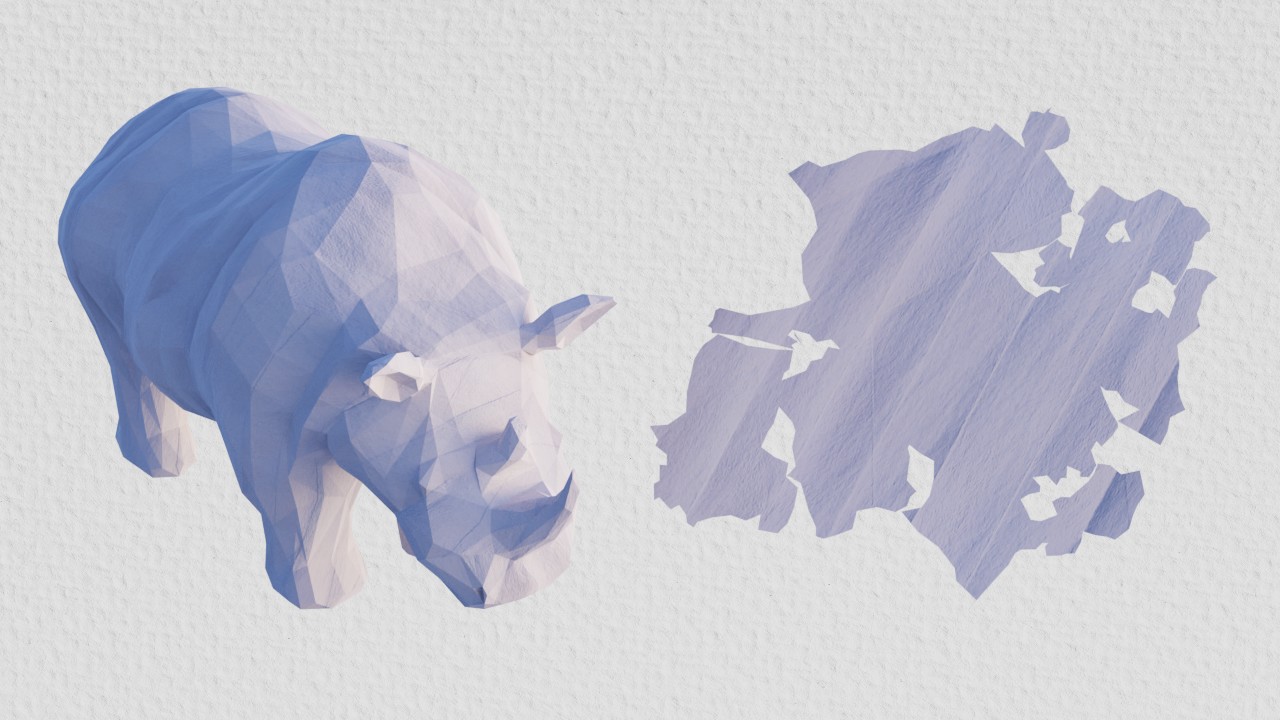
Engines
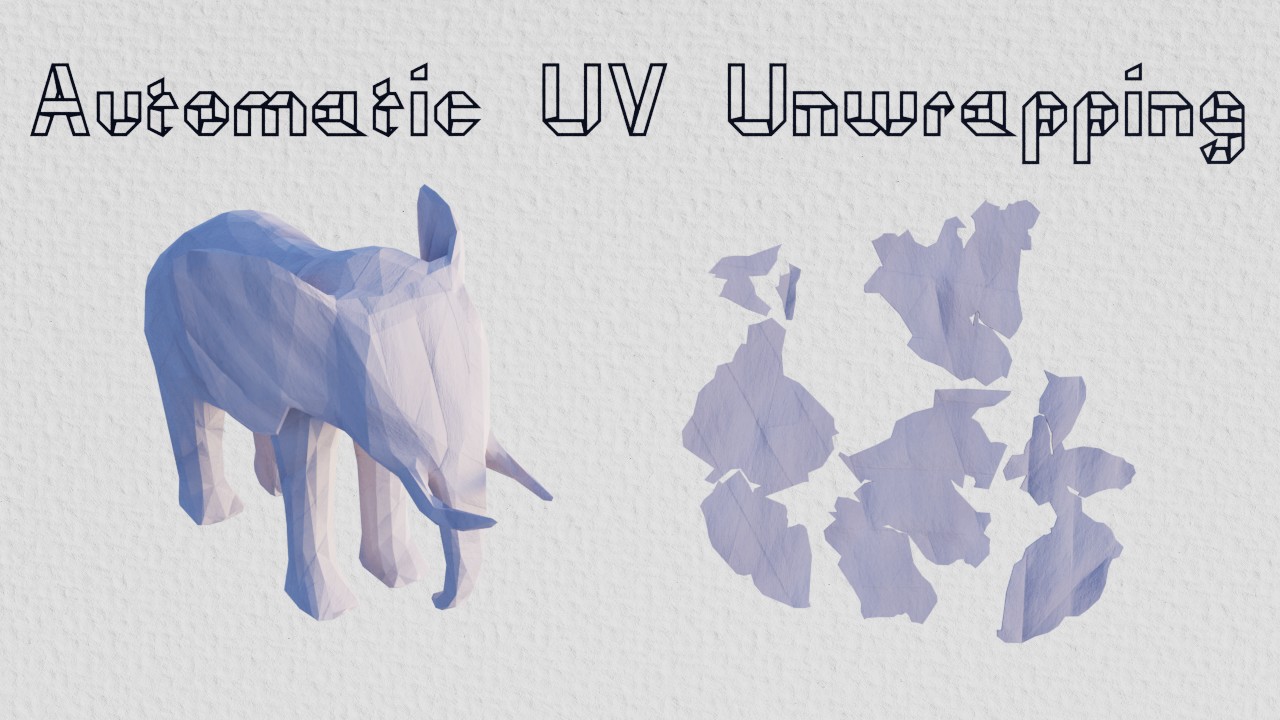
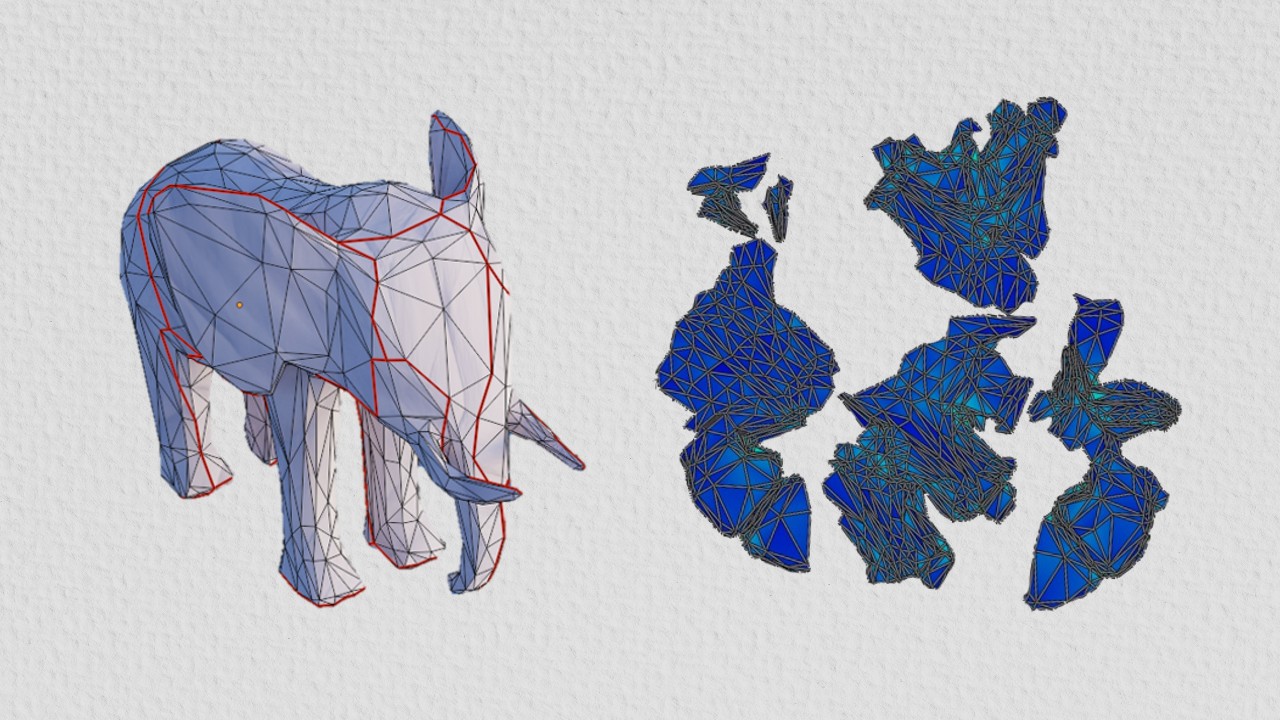
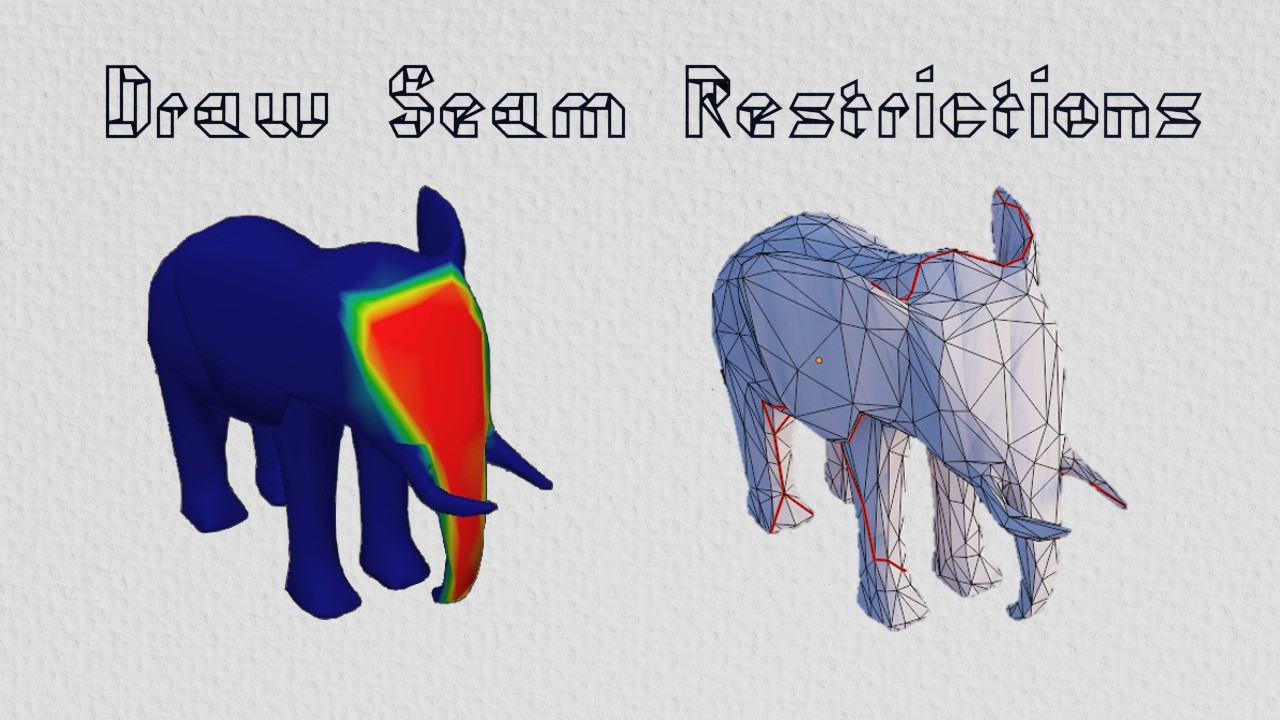
UVgami has three unwrapping engines, see the docs for more info: